Quick Guide: Using Fluorescent White Balance for Landscapes
If you’ve ever wondered how to get those ethereal purple skies or misty blue mornings without heavy editing, the answer might be your Fluorescent White Balance preset. Here’s why it works:
The Science
Most cameras set "Fluorescent" to roughly 4000K (Kelvin). Crucially, it adds a magenta tint to counteract the green cast found in office lights.
The Creative Effect
When used outdoors, that built-in magenta shift transforms dull blue hour shots into vibrant lavender and violet masterpieces.
Best Time to Use It
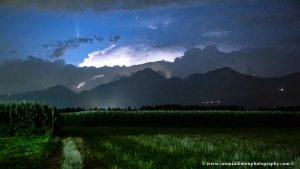
Blue Hour: To add a "dreamy" or mystical purple hue to the sky. But it works even better when the moon us out. On moonless nights it came sometimes look too sickly purple.
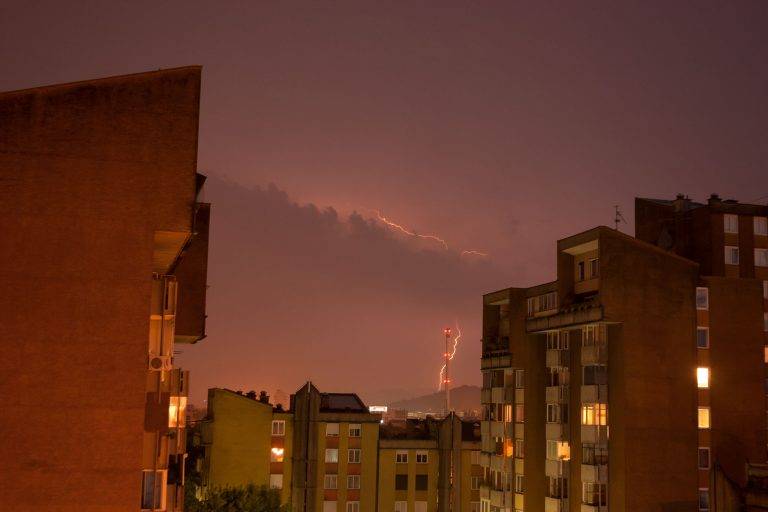
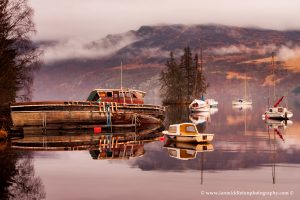
Misty or rainy blue hours: To cool down the scene while keeping the highlights from looking "muddy." The fluorescent WB turns a dreary, rainy twilight into an dreamy, ethereal scene, just like here.
Cityscapes: To neutralize the sickly yellow/green glow of old street lamps.
Pro Tip:
While you can change White Balance in RAW post-processing, setting it in-camera helps you "see" the creative potential of the scene on your LCD, leading to better compositions.
Atmospheric & Ethereal Blue Hours
Most people think the Fluorescent White Balance setting is only for office buildings and kitchens. But for landscape photographers, it is a secret weapon for unlocking vivid lavender and purple hues, and ethereal magentas that Auto White Balance often strips away.
Typically the goal of white balance is to ensure the colour temperature of your camera matches the light source, and therefore renders your whites truly white. However, landscape photographer often use colour temperature hacks to enhance the mood of a scene.
How to get the purple and magenta tint in your landscape photos
Fluorescent WB adds magenta to counteract the green it expects from fluorescent light.
Ordinarily during the blue hour, the best white balance is daylight. However, there are certain conditions in which using the fluorescent white balance setting works brilliantly. This is one of them.
Typically this works best when a bright moon is up.
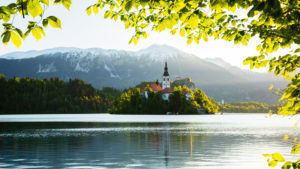
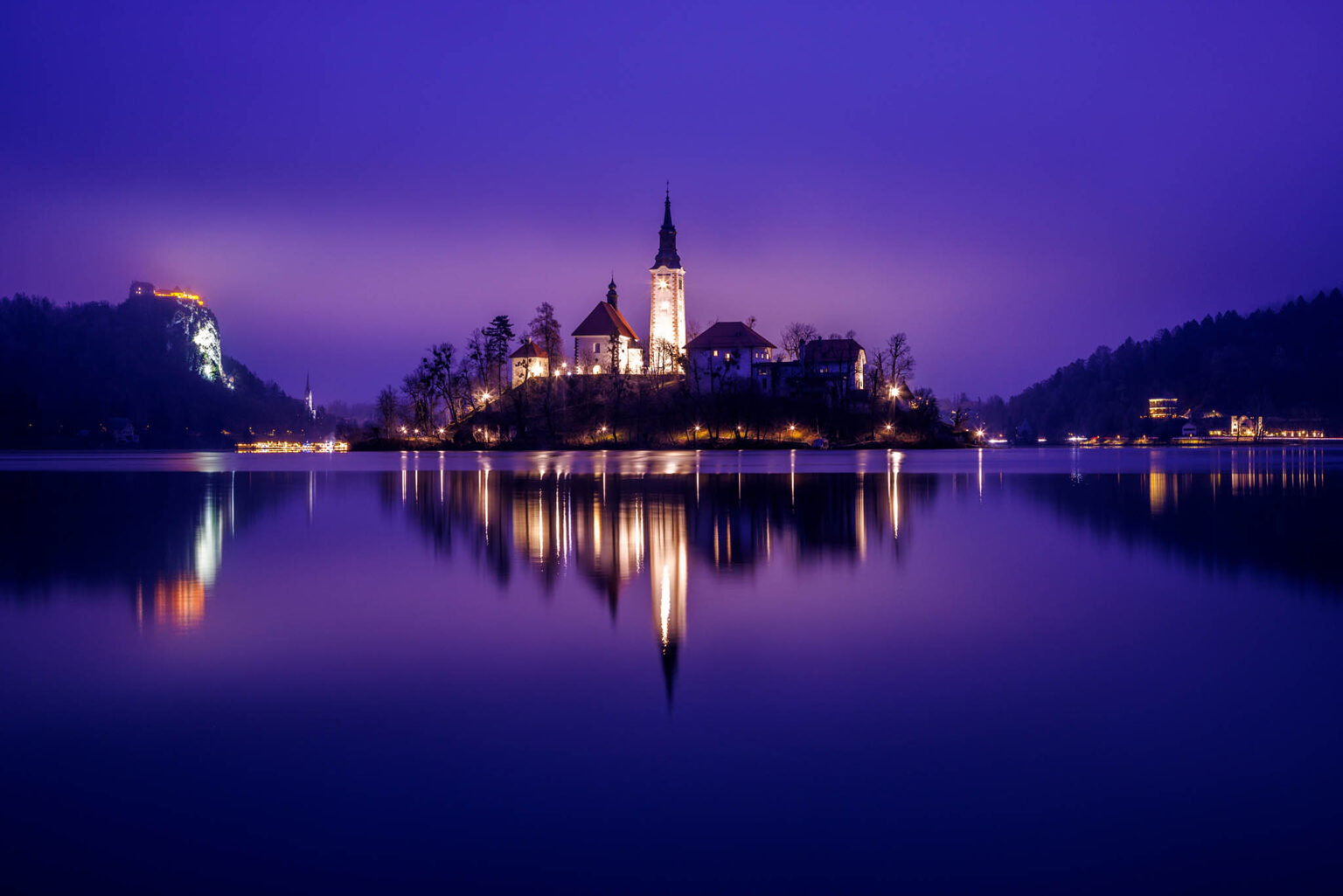
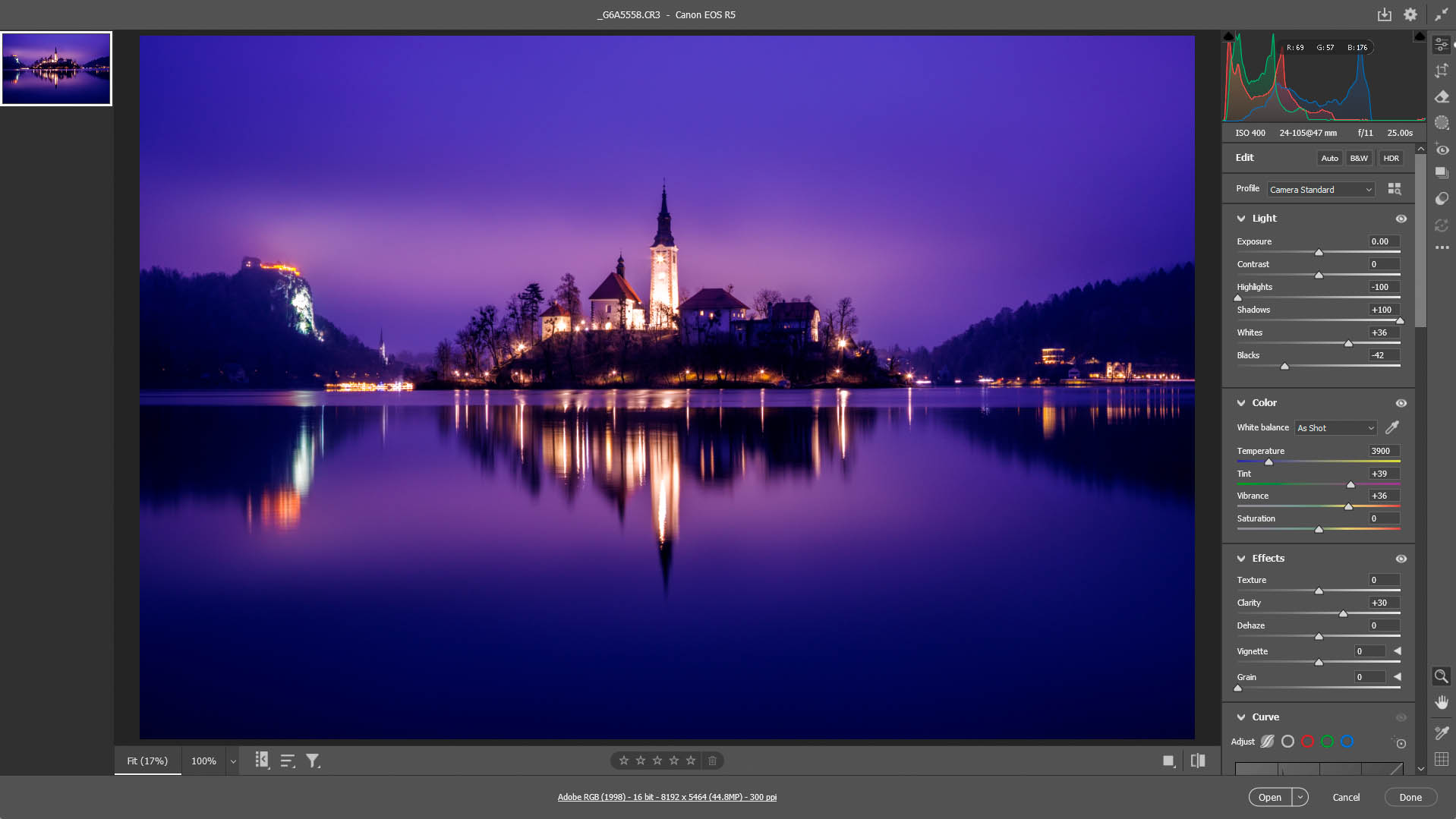
In the photo below, the moon was high and at 77% waxing. Even though there was heavy low cloud and mist, the moonlight still penetrates some, and coupled with the artificial light of the church and castle reflecting off the mist, it produced some amazing results here!
The result - Lake Bled Island Church and Castle at dusk.
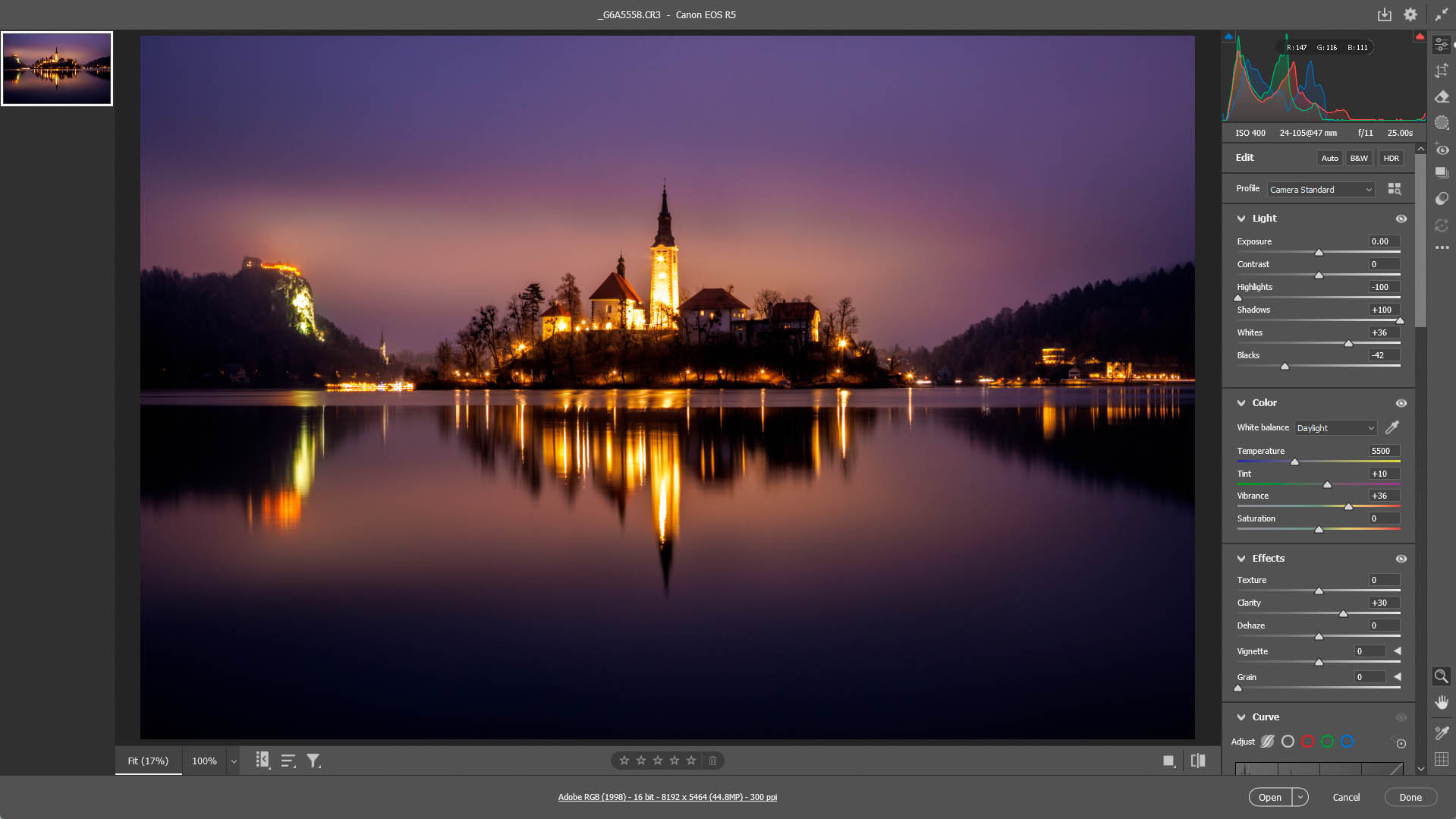
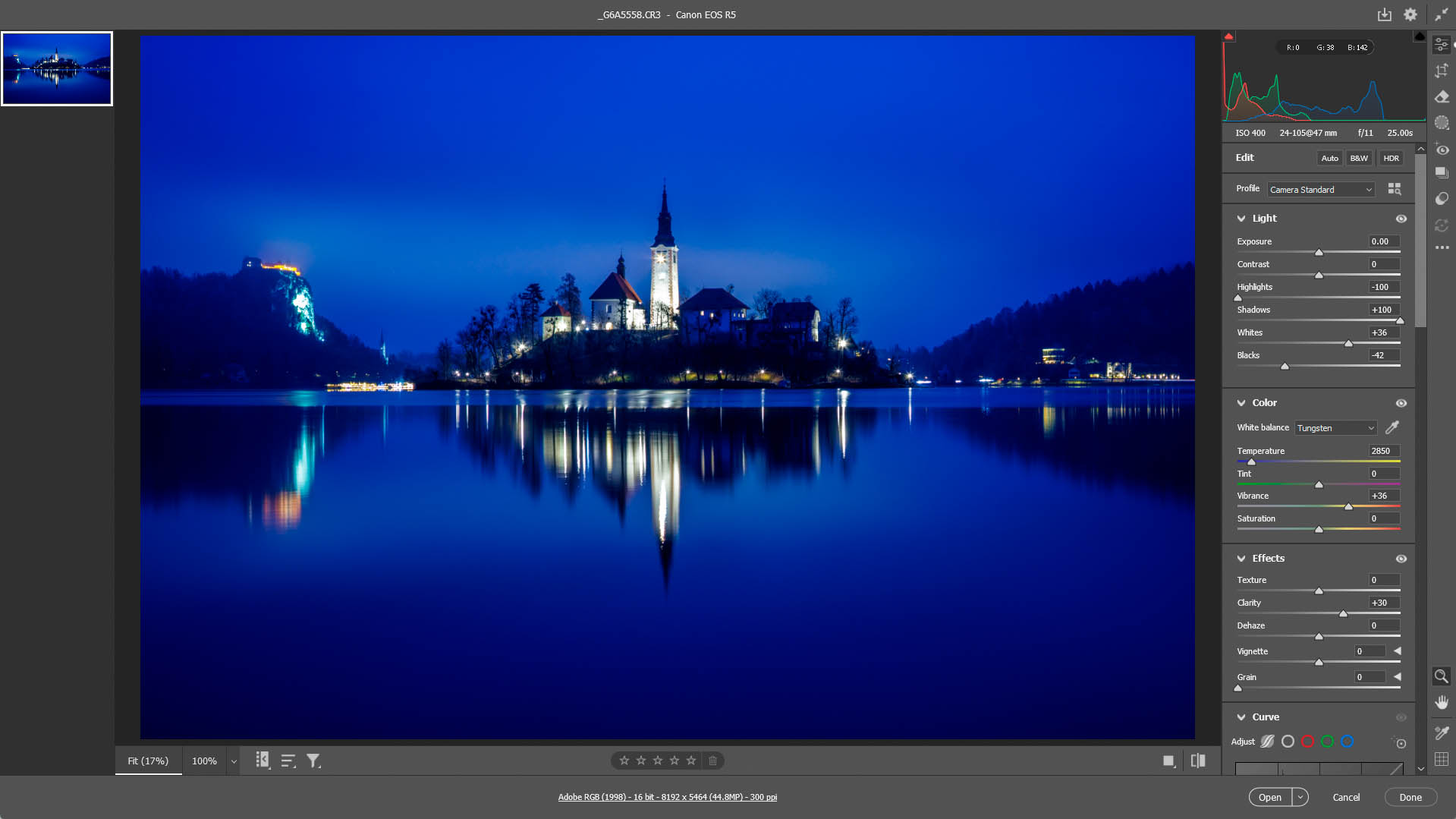
Difference between using daylight. tungsten and fluorescent white balance on a moonlit night or blue hour
Frequently Asked Questions About Fluorescent White Balance
What is the colour temperature of Fluorescent White Balance?
Fluorescent preset typically sits between 3800K and 4200K depending on your camera. Also, if you shoot in RAW, the imported setting may vary depending on what photo editor you use. For mine, I used Adobe Camera Raw and it sets it at 3900K.
What is the colour temperature of moonlight?
Moonlight has a colour temperature of approximately 4000K to 4500K.
Why does Fluorescent White Balance make photos look purple?
It cools the image to ~4000K to compensate for the warmer tones of the fluorescent light source. Also, because it is designed to neutralize green light, it adds a magenta (purple) tint to the image. In a landscape setting, during a moonlit night and coupled with any artificial tungsten light, this creates a stylized, artistic look.
Is Fluorescent WB better than Tungsten for night shots?
Yes. Tungsten is purely blue; Fluorescent adds the magenta/purple that many photographers prefer for a 'dreamy' look.
In my image above, the moonlight filtering through the clouds has been turned purple, and the tungsten light from the church, castle and town being reflected off the low clouds turned a lovely soft magenta.
Difference between using daylight. tungsten and fluorescent white balance on a moonlit night or blue hour
Does white balance matter if I shoot in RAW?
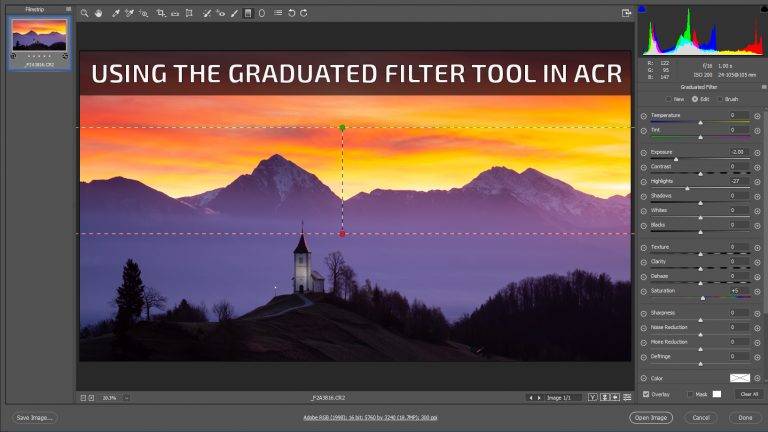
Yes, it acts as a creative preview and save time in post-processing. If need be you can also make some fine adjustments in Adobe Camera RAW.
While you can change White Balance in RAW post-processing, setting it in-camera helps you "see" the creative potential of the scene on your LCD, leading to better compositions and also knowing when it's right time to use it or not.
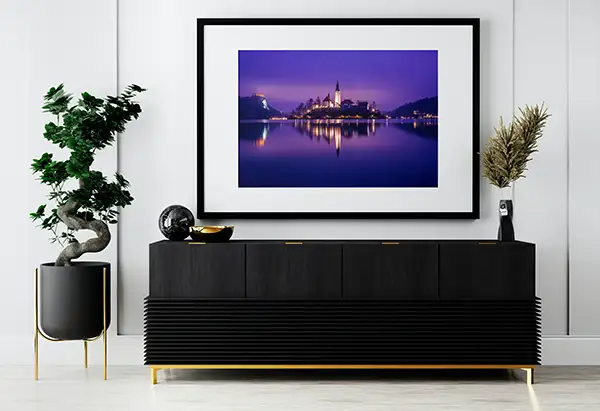
Buy a print
This photo is available to purchase as a high quality fine art print to hang on your home or office wall.