Ian Middleton Photography

The Secret of when to use fluorescent white balance at night to great effect.

By Ian Middleton

Disclosure:

This website and its articles contain links and adverts. The adverts and some links, but not all, are affiliate links. This means that if you click and buy something I will receive a small percentage of money, but at no extra cost to you. The price remains the same if you buy.

Quick Guide: Using Fluorescent White Balance for Landscapes

If you’ve ever wondered how to get those ethereal purple skies or misty blue mornings without heavy editing, the answer might be your Fluorescent White Balance preset. Here’s why it works:

Atmospheric & Ethereal Blue Hours

Most people think the Fluorescent White Balance setting is only for office buildings and kitchens. But for landscape photographers, it is a secret weapon for unlocking vivid lavender and purple hues, and ethereal magentas that Auto White Balance often strips away.

Typically the goal of white balance is to ensure the colour temperature of your camera matches the light source, and therefore renders your whites truly white. However, landscape photographer often use colour temperature hacks to enhance the mood of a scene. 

How to get the purple and magenta tint in your landscape photos

Use fluorescent white balance during the blue hour and at night when the moon out

Fluorescent WB adds magenta to counteract the green it expects from fluorescent light.

Ordinarily during the blue hour, the best white balance is daylight. However, there are certain conditions in which using the fluorescent white balance setting works brilliantly. This is one of them.

Typically this works best when a bright moon is up.

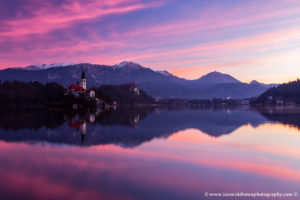
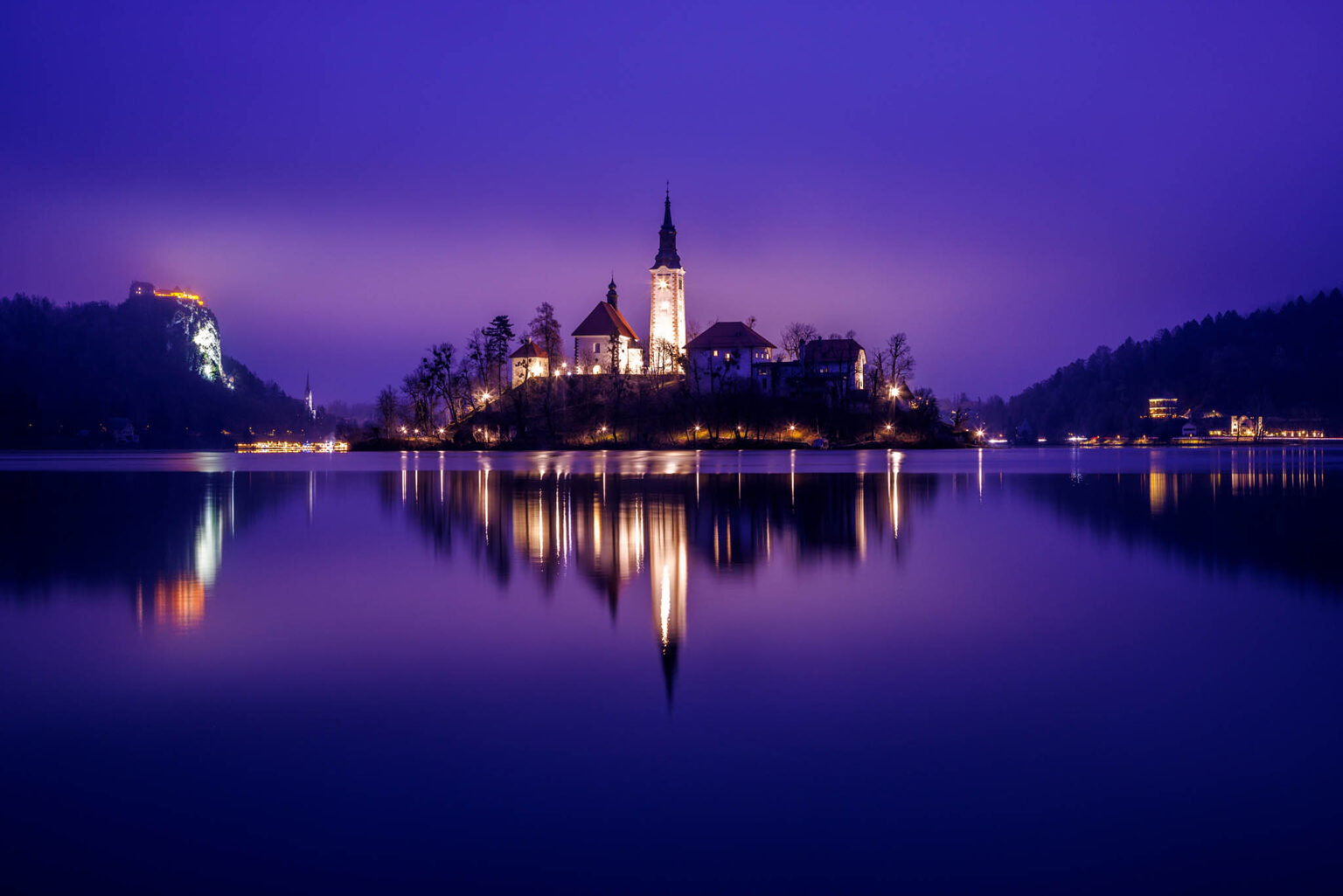
In the photo below, the moon was high and at 77% waxing. Even though there was heavy low cloud and mist, the moonlight still penetrates some, and coupled with the artificial light of the church and castle reflecting off the mist, it produced some amazing results here!

The result - Lake Bled Island Church and Castle at dusk.

Landscape photo of Lake Bled at night showing the purple colour shift using fluorescent white balance.

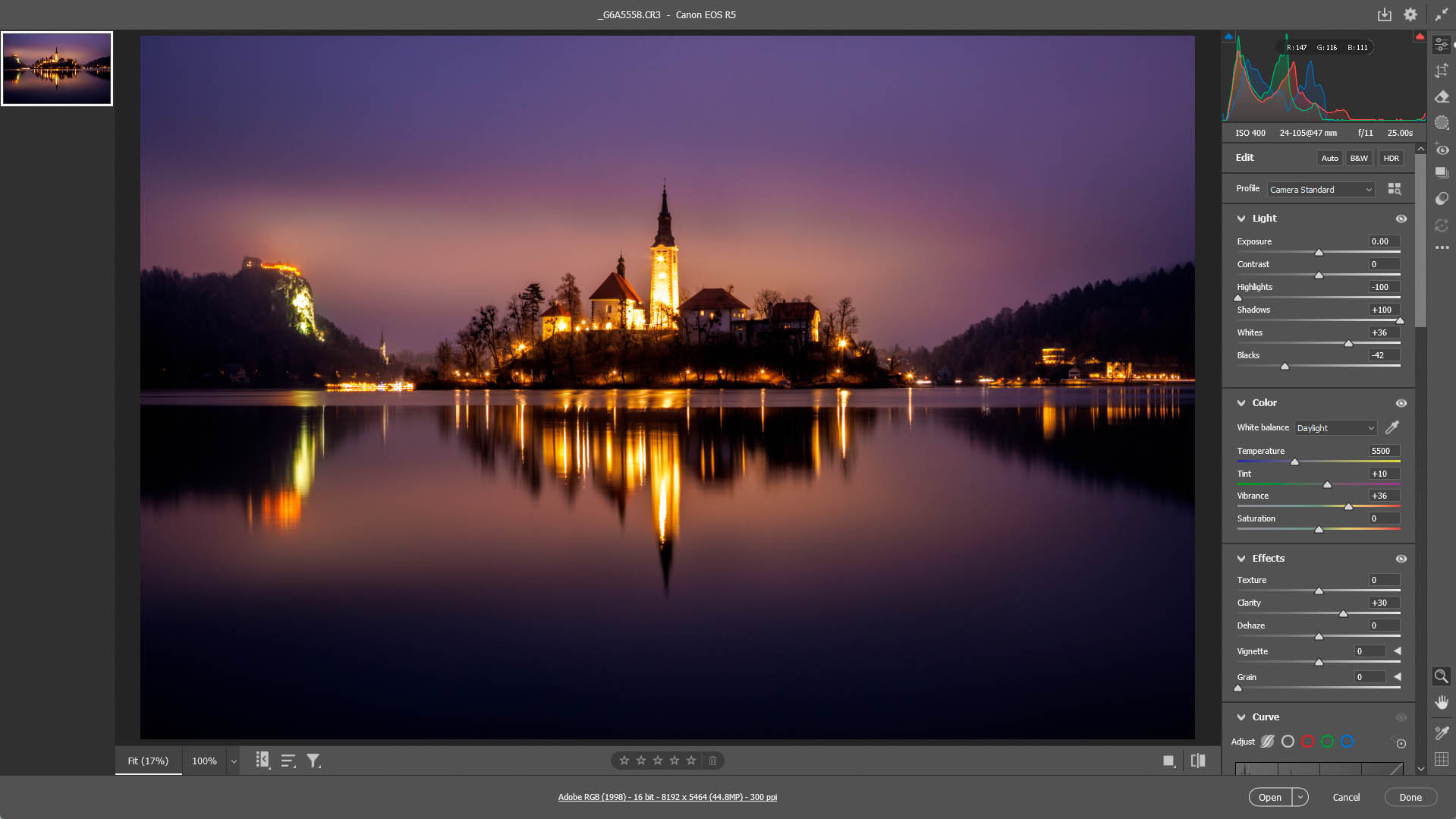
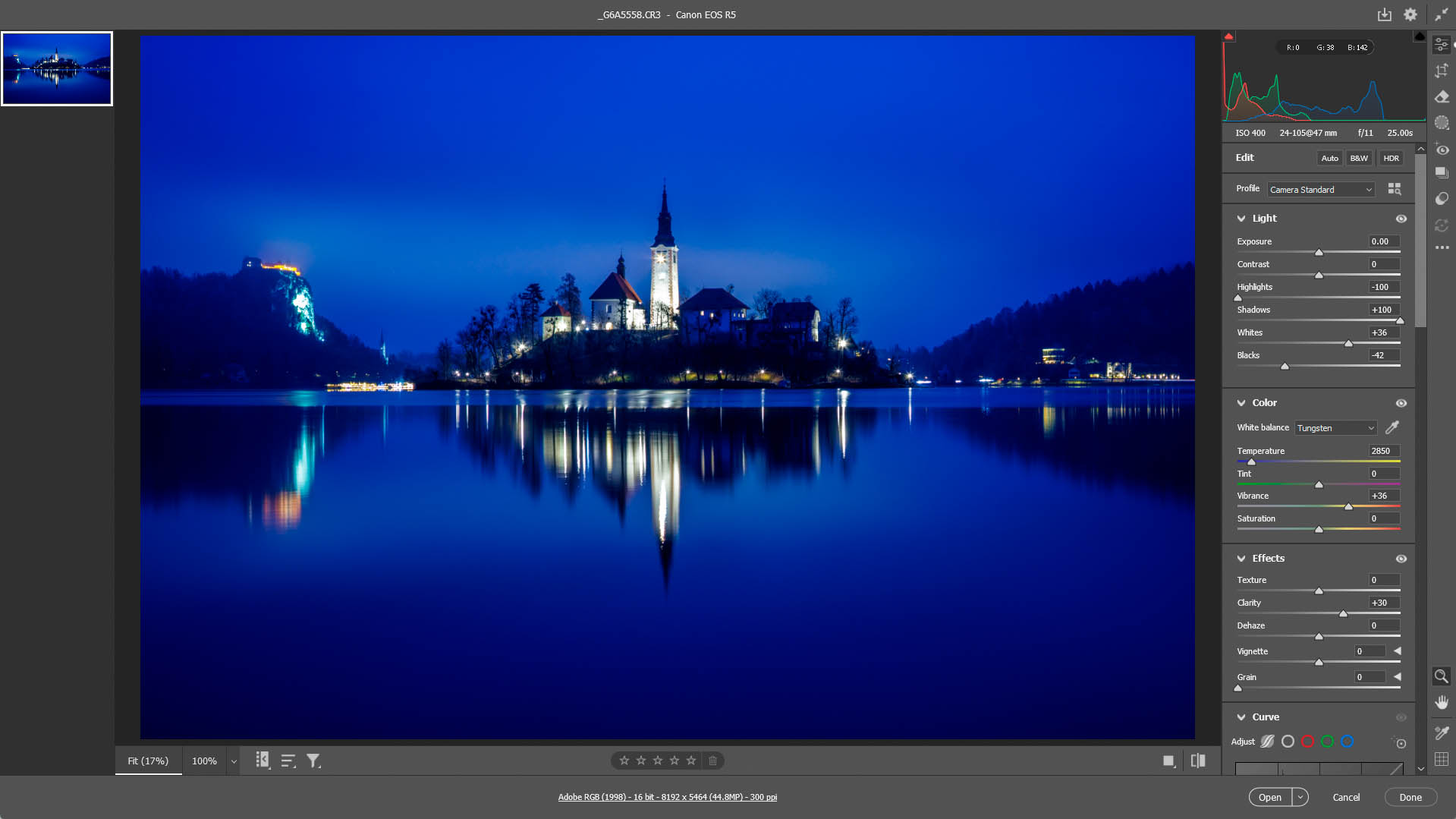
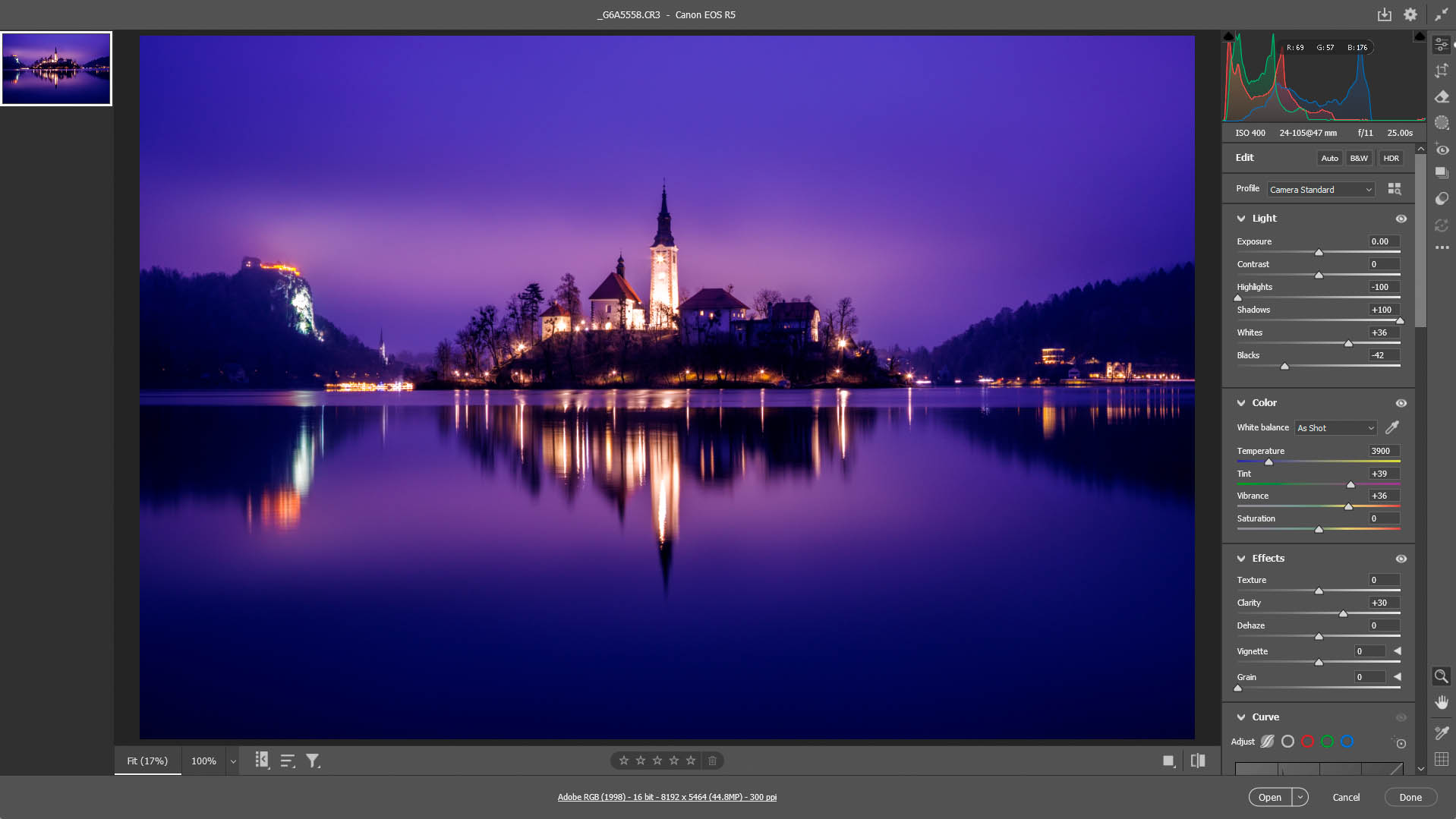
Difference between using daylight. tungsten and fluorescent white balance on a moonlit night or blue hour

Example of how the daylight white balance setting adds more red and brown to skies on a moonlit night or blue hour.
Example of how the Tungsten white balance setting can add too much blue to skies on a moonlit night or blue hour.
Example of how the fluorescent white balance setting can add purple or magenta to skies on a moonlit night or blue hour.

Frequently Asked Questions About Fluorescent White Balance

What is the colour temperature of Fluorescent White Balance?

Fluorescent preset typically sits between 3800K and 4200K depending on your camera. Also, if you shoot in RAW, the imported setting may vary depending on what photo editor you use. For mine, I used Adobe Camera Raw and it sets it at 3900K.

What is the colour temperature of moonlight?

Moonlight has a colour temperature of approximately 4000K to 4500K.

Why does Fluorescent White Balance make photos look purple?

It cools the image to ~4000K to compensate for the warmer tones of the fluorescent light source. Also, because it is designed to neutralize green light, it adds a magenta (purple) tint to the image. In a landscape setting, during a moonlit night and coupled with any artificial tungsten light, this creates a stylized, artistic look.

Is Fluorescent WB better than Tungsten for night shots?

Yes. Tungsten is purely blue; Fluorescent adds the magenta/purple that many photographers prefer for a 'dreamy' look.

In my image above, the moonlight filtering through the clouds has been turned purple, and the tungsten light from the church, castle and town being reflected off the low clouds turned a lovely soft magenta. 

Difference between using daylight. tungsten and fluorescent white balance on a moonlit night or blue hour

Example of how the daylight white balance setting adds more red and brown to skies on a moonlit night or blue hour.
Example of how the Tungsten white balance setting can add too much blue to skies on a moonlit night or blue hour.
Example of how the fluorescent white balance setting can add purple or magenta to skies on a moonlit night or blue hour.

Does white balance matter if I shoot in RAW?

Yes, it acts as a creative preview and save time in post-processing. If need be you can also make some fine adjustments in Adobe Camera RAW.

While you can change White Balance in RAW post-processing, setting it in-camera helps you "see" the creative potential of the scene on your LCD, leading to better compositions and also knowing when it's right time to use it or not.
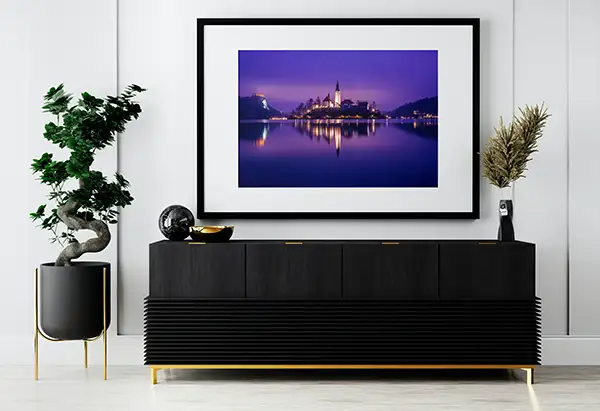
Bled at dusk - framed print

Buy a print

This photo is available to purchase as a high quality fine art print to hang on your home or office wall.

Related articles

Example of light pollution when photographing at night.
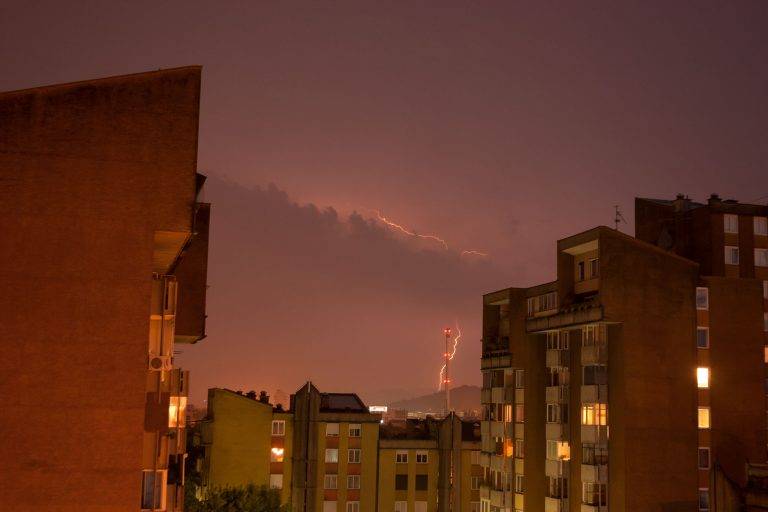
How to reduce redness in your night photographs
In this tutorial I show you the reason why you have red in your night shots and how to use the white...
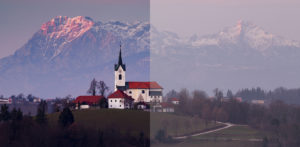
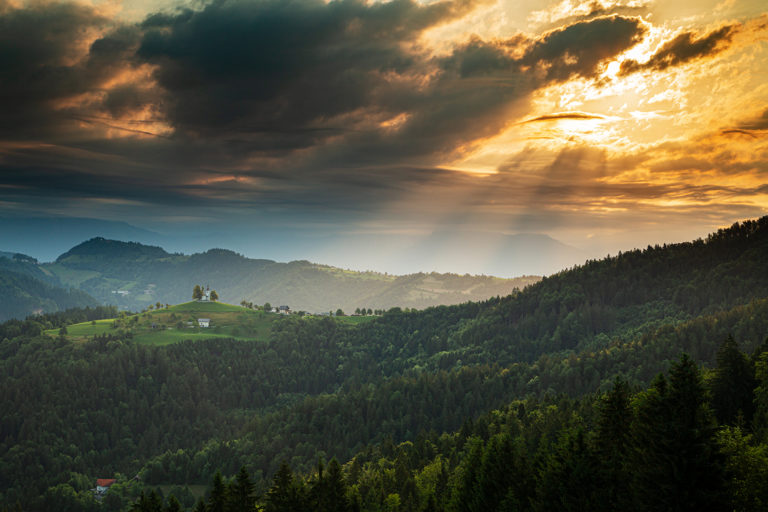
View at sunrise from Rantovše hill across to Sveti Tomaz nad Praprotnim (church of Saint Thomas) and the Kamnik Alps, Slovenia.
Photo Editing - How to edit RAW images in Adobe Camera RAW
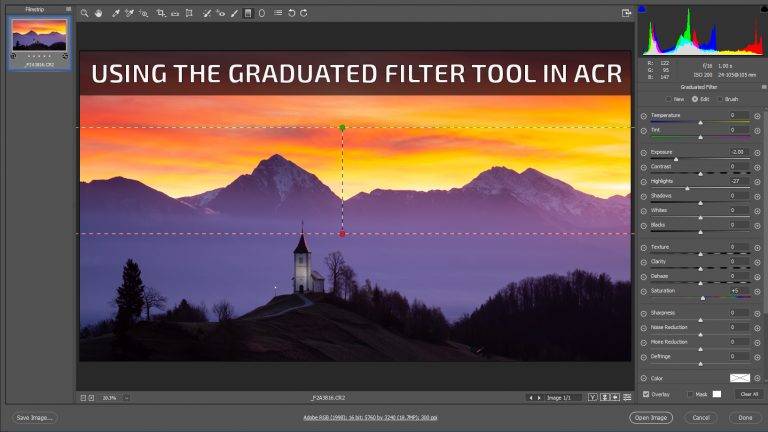
The RAW photo editing process can seem a little daunting, but it's not as complicated as it may appear....
Graduated filter tool in Adobe Camera RAW - A video tutorial
How to use the Graduated Filter Tool in Adobe Camera RAW
In this video tutorial I show you how you can use the graduated filter tool in Adobe Camera RAW as a...
My Favourite Photoshoots of 2025
Exposure Bracketing & Lens Flare Removal with Shutter & Photoshop

Leave a Reply

Your email address will not be published. Required fields are marked *

Share this article

Disclosure:

This website and its articles contain links and adverts. The adverts and some links, but not all, are affiliate links. This means that if you click and buy something I will receive a small percentage of money, but at no extra cost to you. The price remains the same if you buy.

“As an Amazon affiliate I earn from qualifying purchases”

A practical guide to photography by Ian Middleton.
Buy my book

Shedding light on all the photography basics in one book.

Buy wall art prints online.

Buy fine art photography prints: canvas, metal, framed, acrylic, wood and more.

Find a rental car with Discover Cars

WP Rocket - WordPress Caching Plugin


Use code IAN10 for a 10% discount off Squarespace plans

SUBSCRIBE TO MY NEWSLETTER AND GET

25% OFF MY PRINTS & A FREE EBOOK

Subscribe and receive my regular newsletter to get the latest information about my workshops, new tutorials, videos, new photos and more.

All new subscribers get an exclusive 25% discount code off prints of my photos from my online shop plus a free download of my ebook: A Practical Guide to Photography. 

Code and download link will be emailed to you upon successful signup

I don’t spam! Read my privacy policy for more info